Dark mode
From Learn, the They Sent It email marketing encyclopedia · First edition · Updated November 13, 2026
Dark mode swaps light backgrounds for dark ones. Some email apps also recolor the email. In our one-iPhone Gmail test, code colors changed but images did not, so matching backgrounds split.[9]
Since September 2026 the Gmail app on iOS and Android is reported to honor one tag that stops this for Google accounts: <meta name="color-scheme" content="light only">.[1] Outlook and other accounts in the Gmail app do not support it.[3] For step-by-step fixes, see How to fix dark mode in email.
How forced dark mode works
Try it: turn on dark mode, then add the tag or the gradient fallback.
<meta name="color-scheme" content="light only">
<table width="100%" style="background-color:#ffffff;">
  <tr>
    <td style="padding:0;">
      <img src="logo.jpg" alt="Acme Co." width="200">
    </td>
    <td style="background-color:#f4d03f;
               background-image:linear-gradient(#f4d03f,#f4d03f);">
      <img src="icon.png" alt="Instagram" width="28">
    </td>
  </tr>
  <tr>
    <td colspan="2" style="color:#222222;">
      Thanks for being here.
    </td>
  </tr>
</table>

An email's colors come from code or from image pixels. Forced dark mode replaces the code colors: backgrounds, text and button fills.
In our Gmail test on one iPhone, matching image and code backgrounds split apart and dark icons on transparent backgrounds vanished. Dark text turned light; white text turned near black.[9] The Android app uses a different method, and the Email Markup Consortium reports inverted icons without naming the app.[1]
Three ways an app handles it
- No change: Gmail on the web shows the email as sent. Litmus reports the same for Yahoo Mail and AOL.[7]
- Partial restyling: only some colors change, usually light backgrounds and dark text. Outlook.com works this way,[5] and Litmus lists Outlook's apps the same.[7]
- Full inversion: code colors flip by lightness. The Gmail app did this on our test iPhone.[9]
Apps such as Apple Mail can also use dark styles the email provides. The color-scheme property is defined in CSS; the matching meta tag is in the HTML Standard.[2]
Email app by email app
| Email app | What it does | Supports light only | What works instead |
|---|---|---|---|
| Gmail app for iOS, Google accounts | Flips code colors by lightness (our test) | Yes, since September 2026 | Not needed when the tag is present |
| Gmail app for Android, Google accounts | Darkens colors with a different method | Yes, since September 2026 | Not needed when the tag is present |
| Gmail app with a Yahoo, Outlook or other account | Same restyling; style blocks are not supported | No | No reliable fix |
| Gmail on the web | Shows the email as sent | Not supported, and not needed | None needed |
| Apple Mail on the Mac | Uses your own dark styles if the email declares them | Yes | Write prefers-color-scheme styles |
| Apple Mail on iPhone and iPad | Uses your own dark styles if the email declares them | Untested since iOS 12.4 | Write prefers-color-scheme styles |
| Outlook.com and Outlook for iOS, Android and Mac | Rewrites colors it judges too light or too dark | No | Your own dark styles, plus Outlook selectors |
| Classic Outlook for Windows | Recolors when Office uses a dark theme | No | Limited workarounds for white or black text |
| Yahoo Mail and AOL | Reported to make no color changes | No (Can I Email, tested 2023) | None needed |
| Samsung Email | Supports dark styles written by the email | No (Can I Email) | Write prefers-color-scheme styles; test on a device |
Gmail rows: the Consortium and our one-iPhone test. Tag support: Can I Email. Other rows: the sources below. Test current app versions on a real device.
The light only opt-out
Google marked its Gmail dark theme ticket fixed on August 31, 2026. The Consortium reported Android and iOS support on September 21.[1]
<meta name="color-scheme" content="light only">- Use exactly
light only. It turns forced dark mode off; it does not add dark styles.[3] - Google accounts only. Yahoo or Outlook addresses in the Gmail app are still restyled.[1]
- Head or body. In our test on one device and account, the tag worked in both. The head is the documented place.[9]
- Use it where designs break. It overrides readers who chose dark mode, so the Consortium advises against adding it to every template.[1]
Writing your own dark styles
Apple Mail, Outlook.com, Outlook's apps and Samsung Email apply styles inside @media (prefers-color-scheme: dark).[4] With light only, Apple Mail on the Mac skips them. To keep both, the Consortium suggests adding :root { color-scheme: light dark; } to the CSS.[1]
When the tag is not supported
- Outlook.com: rewritten text gets
data-ogsc, rewritten backgrounds getdata-ogsb. Wrap the block in an element Outlook recolors, then restore the color with an[data-ogsb]rule. The how-to has the code.[5] - Gradient backgrounds: add
background-image: linear-gradient(#f4d03f, #f4d03f)beside the background color. In our one-iPhone Gmail test it kept the background, but text still flipped. Untested in Outlook and other accounts.[9] - Classic Outlook for Windows: no dark media queries.[4] Limited workarounds keep white or black text, for example inside VML shapes (Outlook's own drawing code).[8]
- Blend modes: a 2021 technique keeps white text white in Gmail on iPhone. Not needed with
light only; it fails for other accounts.[6]
Logos and images
In our test, image colors held but dark logos on transparent backgrounds disappeared. A solid background baked into the image, or a thin light outline, fixed them. Keep each illustration in one image: two halves side by side can drift apart on phones.
What brands send
Of 73,545 brands' latest October emails, 0.8% carried exactly light only and 96.8% carried none of the four dark mode signals we searched for.[10] Full figures, method and CSV: Dark mode code in brand email, October 2026.
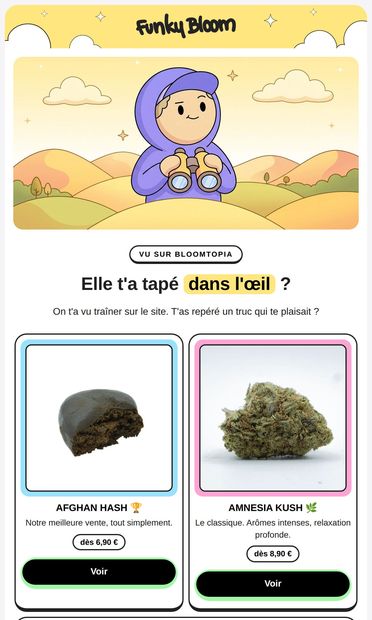
Tu matais quoi là ? 👀 · Oct 31, 2026
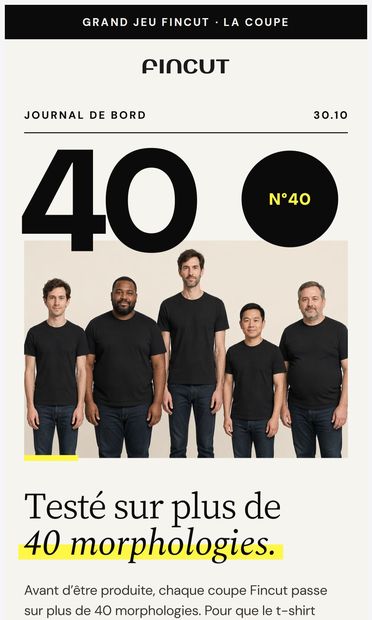
Et si la taille ne va pas ? On échange. · Oct 30, 2026
NEW IN: everything you may have missed in October · Oct 31, 2026
Un regalo di Halloween per il Suo cane: ne paga 3, ne riceve 5 · Oct 31, 2026
🎁 Ce week-end : jusqu'à 20 € offerts en plus des -30 % · Oct 31, 2026
The Essential Fall Neutral: Meet Truffle · Oct 30, 2026
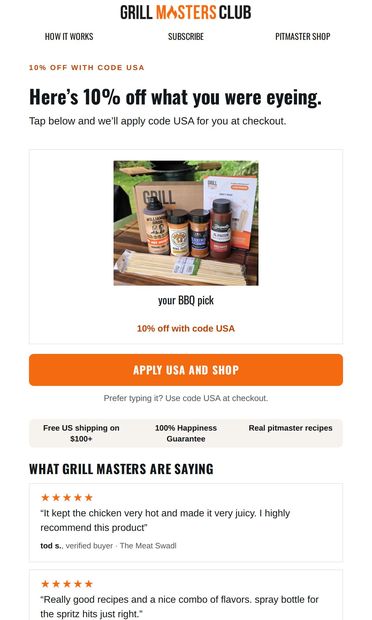
Code USA takes 10% off your pick · Oct 30, 2026
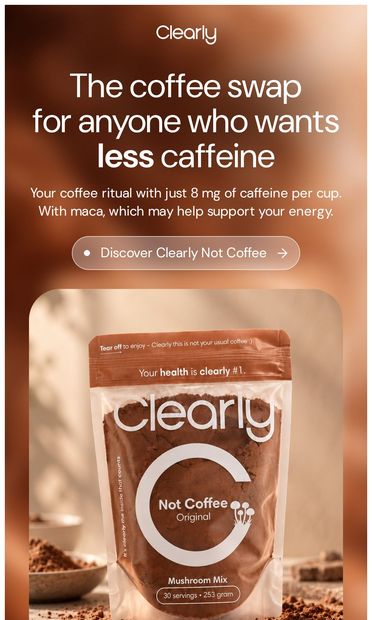
This is what makes Not Coffee special · Oct 30, 2026




Common mistakes
- Trusting light previews. Most platform previews show light mode. Test on a real phone in dark mode.
- Expecting every app to support the tag. It covers the Gmail app for Google accounts and Apple Mail on the Mac. Outlook needs the fallbacks.
- Replacing a saved template's HTML through an API. In our Klaviyo experience this discarded drag-and-drop content. Add the tag in the editor instead.
History
- 2021: the blend-mode technique for white text in the Gmail app on iPhone.[6]
- August 31, 2026: Google marks the Gmail dark theme ticket fixed.[1]
- September 21, 2026: the Consortium reports light only working on Android and iOS.
- November 12, 2026: our one-iPhone test matches, in the head and the body.[9]
See also
How to fix dark mode in email · Gmail app · Apple Mail · Classic Outlook for Windows. Entries without links are being written.
References
- Robbins, M., "Gmail app dark mode update", Email Markup Consortium, September 21, 2026.Back to text:123456789
- W3C, "CSS Color Adjustment Module Level 1", Candidate Recommendation. Defines the color-scheme property; the color-scheme meta tag is defined in the HTML Standard.Back to text:1
- Can I Email, "meta name=color-scheme", last tested September 16, 2026.Back to text:1234
- Can I Email, "@media (prefers-color-scheme)", last tested March 8, 2023.Back to text:12
- Parmentier, R., "How emails react to Outlook.com dark mode", HTeuMeuLeu, 2021.Back to text:12
- Parmentier, R., "Fixing Gmail's dark mode issues with CSS Blend Modes", HTeuMeuLeu, 2021.Back to text:12
- Litmus, "The Ultimate Guide to Dark Mode for Email Marketers".Back to text:12
- Tutsplus (Envato), "How to Fix Outlook Dark Mode Problems".Back to text:1
- They Sent It, device test: Gmail for iOS on one iPhone, a gmail.com inbox, November 12, 2026. One Klaviyo email sent with no tag, with the tag in the head, and with the tag inside the body.Back to text:1234567
- They Sent It, "Dark mode code in brand email, October 2026": the HTML of the latest October 2026 campaign email from every published brand, scanned November 13, 2026.Back to text:12
First edition, November 13, 2026, by Conner Baker. Shortened the same day. Found an error? Tell us.